Visual canvas
Collect CAD views, references, prompts, and results in one place. Every variant stays visible in project context.
Simsala
Simsala is the local AI workflow desktop: connect your own AI providers, keep project files local, and develop visual variants in reproducible canvas workflows.
Core features
From the first CAD export to the final variant, everything stays in one local, reproducible project context.
Collect CAD views, references, prompts, and results in one place. Every variant stays visible in project context.
Connect Runware or Replicate with your API key. Simsala organizes prompts, references, and settings without adding its own credit layer.
 Runware
 Replicate
Project files, canvas states, and materials stay in your local project folder instead of someone else’s cloud.
Export views from Archicad, Vectorworks, Rhino, or SketchUp and turn them into traceable AI variants.
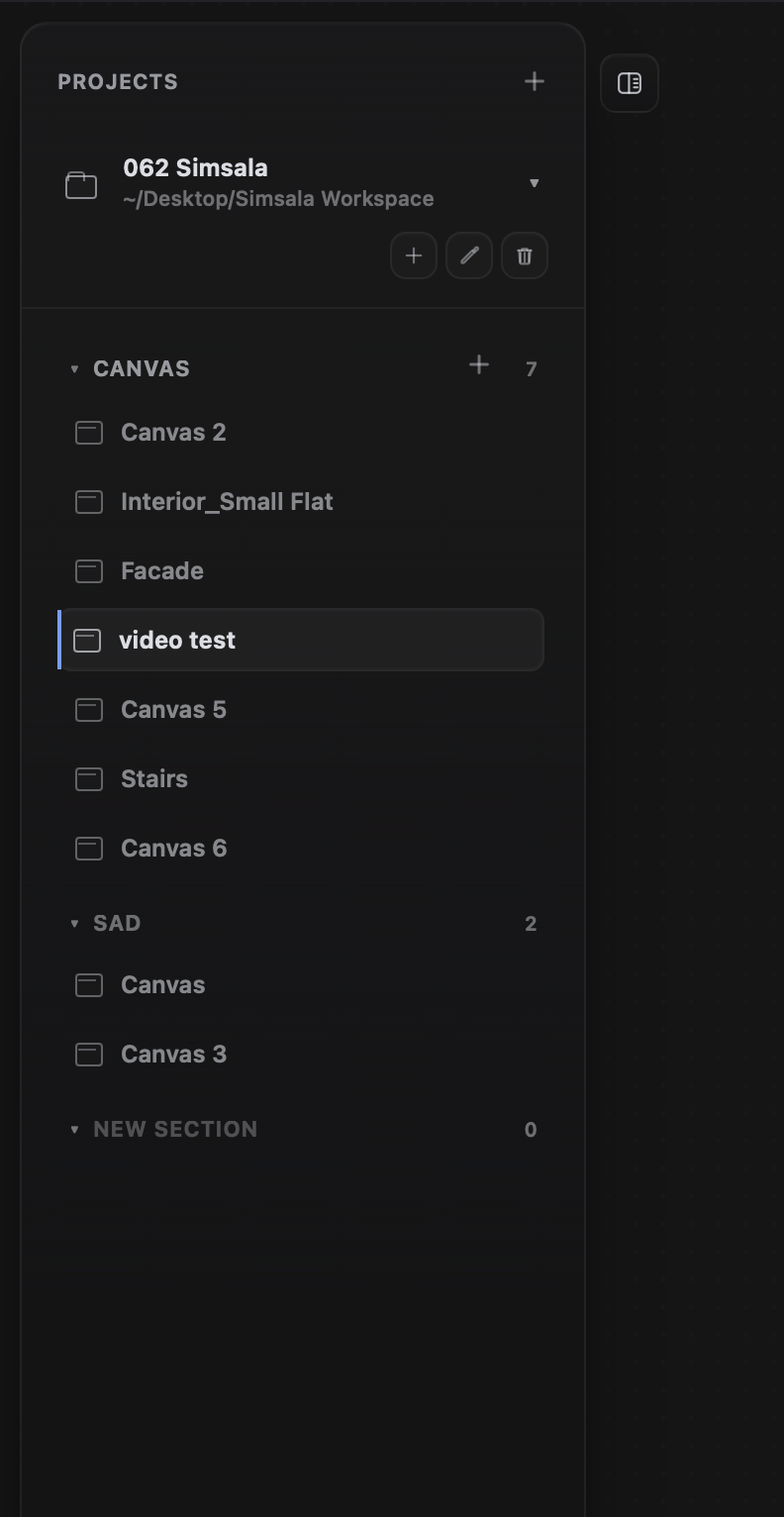
Local projects
Project folders, canvases, and variants stay together locally. Move between designs without losing files or context.
Providers & models
Connect your API keys and use image and video models directly in Simsala.
Your providers
RunwareReplicate Gemini
 OpenAI
 OpenRouter
 fal.ai
 Firefly
Image·Video·Upscale
Integrated
A broad model range through one shared API for image, video, audio, 3D, and text.
Integrated
A large open model library with versioned models and discoverable input schemas.
All connected directly through your own provider account
Integrated
Native image generation, multi-reference editing, and Veo video.
Integrated
GPT Image for generation and editing, plus GPT models for prompting. The announced Sora API shutdown is being reassessed.
Integrated
Shared APIs, model discovery, and capability metadata for image and video.
Integrated
A broad media-model range with queues, polling, webhooks, and custom models.
Integrated
Style and structure references, fill, compositing, upscaling, and video for professional workflows.
7 integrations Connected directly through your own provider account.


CAD connectors
Choose your add-on, export the active view, and start directly in the Simsala canvas with traceable project context.

Connector preview
Developed with


Pricing
Buy Simsala once, use your own AI providers, and stay in control of projects, costs, and iterations.
Trial
30 days free. Full feature set, no subscription, and no credit card through Simsala.
Included in every plan: full feature set and 12 months of updates.
Solo
1 seat
For individual archviz artists, architects, and designers.
Studio
5 seats
For small studios and teams.
Shared workflows for daily production.
Office
10 seats
For larger teams with regular production use.
All licenses are one-time purchases including 12 months of updates. AI costs run separately through your own providers.
Final price includes applicable statutory VAT where required; taxes are calculated at checkout.
Polar Software, Inc. acts as Merchant of Record for purchase, payment processing, invoicing, and tax handling. Simsala remains the provider and licensor of Simsala Desktop.
FAQ
No. You can try Simsala free for 30 days. After that, you buy a local license once; 12 months of updates are included.
No. AI compute runs directly through your Runware or Replicate account. Simsala does not sell credits and does not add a hidden compute markup.
Providers generate images, upscales, or videos. Simsala organizes the design process: CAD exports, references, prompts, variants, and results stay connected on a local canvas.
Projects stay local in your vault folder. API keys are stored in your operating system's secure storage, such as macOS Keychain or Windows Credential Manager.
Simsala is intended for macOS 15+ and Windows 10+. Connectors are available for Archicad, Vectorworks, Rhino, and SketchUp; Revit, Blender, 3ds Max, and Cinema 4D are planned.
Yes. The trial runs for 30 days and is fully functional. For renderings, you still need your own AI provider key.
Local workflows. Full control.
Start with a local license, connect your providers, and keep every iteration traceable.